Evaluation Policy
All tools independently tested using the same prompt. No paid placements. Data from official product pages.
Last Updated: June 2026
Next Review Date: December 2026
Creating presentations with AI has become much easier than a few years ago. However, after testing dozens of services, I found that most tools promise ready-made slides in minutes, but in practice often produce a template that requires serious work. To see which solutions really save time, I tested several popular AI presentation maker platforms using the same script.
My goal was simple: to find out which services are capable of creating a presentation that can be used almost immediately after generation, and which are more suitable for preparing drafts. Each of you can decide for yourself which solution to use, and which tool will end up being the best AI to make PowerPoint presentation. So, let’s go!
Quick Comparison Table
Let’s start with a brief comparison in the form of a table, which already shows much of the results of the tests performed.
|
Tool |
Best For |
Free Plan |
Output Quality |
Rating |
|
AiPPT |
Business presentations |
Yes |
Excellent |
9.5/10 |
|
Gamma |
Storytelling decks |
Yes |
Excellent |
9.3/10 |
|
Beautiful.ai |
Design consistency |
Limited |
Very Good |
8.9/10 |
|
Canva Magic Design |
Marketing slides |
Yes |
Very Good |
8.8/10 |
|
Pitch |
Team collaboration |
Yes |
Very Good |
8.7/10 |
|
SlidesAI |
Fast outlines |
Yes |
Good |
8.2/10 |
|
Tome |
Visual narratives |
Yes |
Good |
8.1/10 |
How We Tested
The same prompt was used for all tools:
“Create a ten-slide pitch deck for a business-to-business SaaS startup. Include problem, solution, market size, business model, team, and investor ask.”
The evaluation was carried out according to the following criteria:
-
content quality;
-
design quality;
-
generation speed;
-
export options;
-
free tier value.
The main task was not to compare the number of functions, but to assess the quality of the finished result.
1. AiPPT: Best AI Presentation Maker For Fast Clean Results
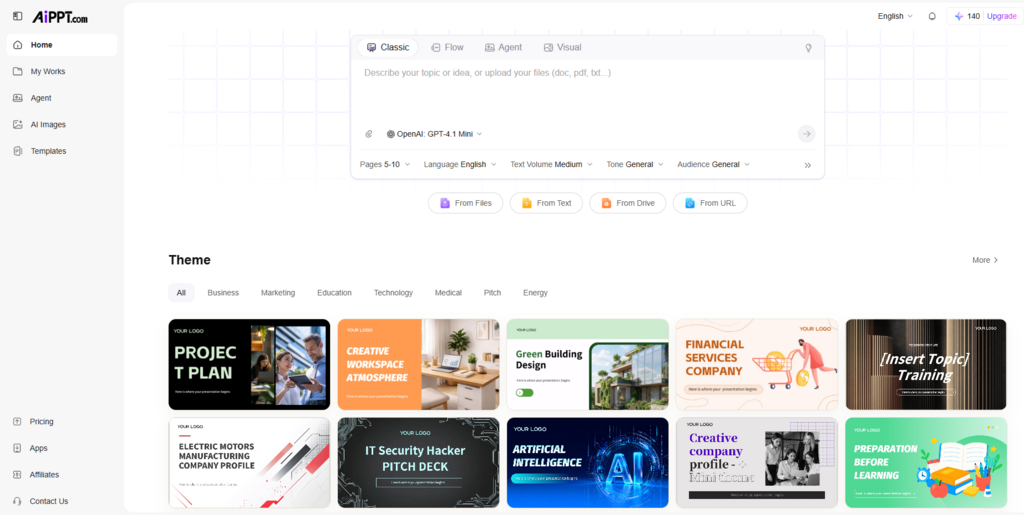
Best For: Business presentations and investor decks.
My Experience. If you need the best AI to make PowerPoint presentation, AiPPT has shown the highest quality first result among tested services. Compared to Gamma, the presentation structure looked more business-like and better suited for a real pitch to investors. It took less than a minute to generate, and exporting PowerPoint was as simple as possible.
Pros:
-
pure professional design;
-
logical structure of slides;
-
convenient export in PowerPoint.
Pricing. There is a free plan. Paid plans open up additional templates and enhanced generation capabilities.
2. Gamma: Best For Storytelling Presentations
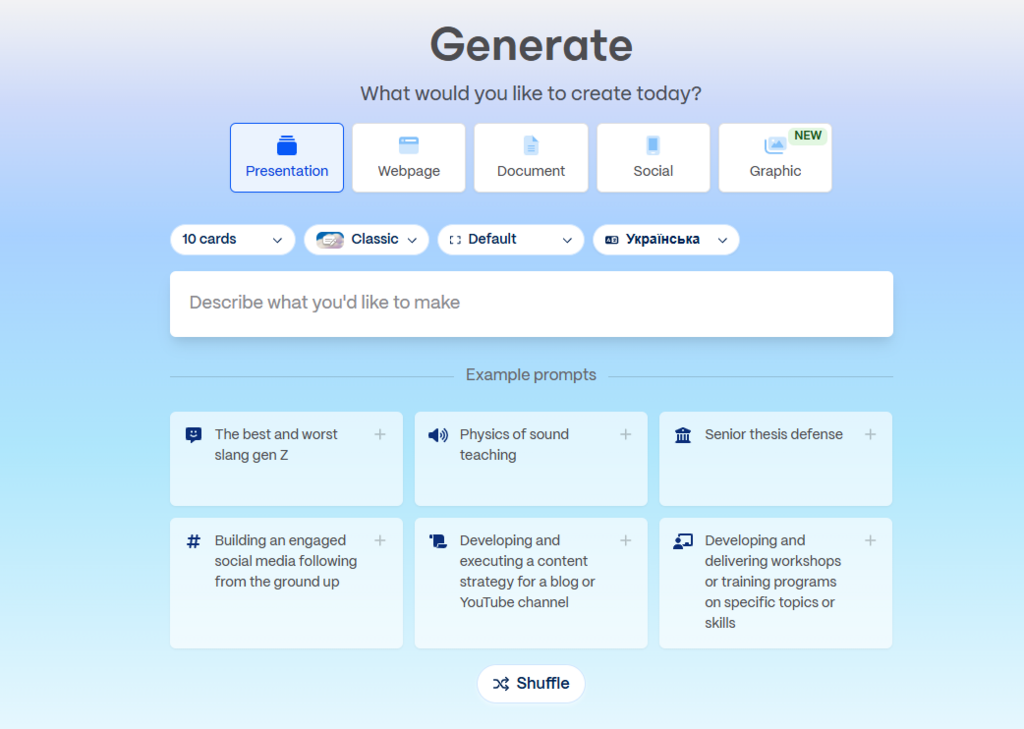
Best For: Storytelling and presentations with more content.
My Experience: Gamma created one of the best AI presentation maker and most visually appealing presentations in the test. Compared to AiPPT, the design looked more modern, but some slides required further editing. The rate of generation was also very high.
Pros:
-
strong visual style;
-
good work with the text;
-
convenient interface.
Pricing. A free plan with limitations is available. Advanced features are available on subscription.
3. Beautiful.ai: Best For Consistent Design
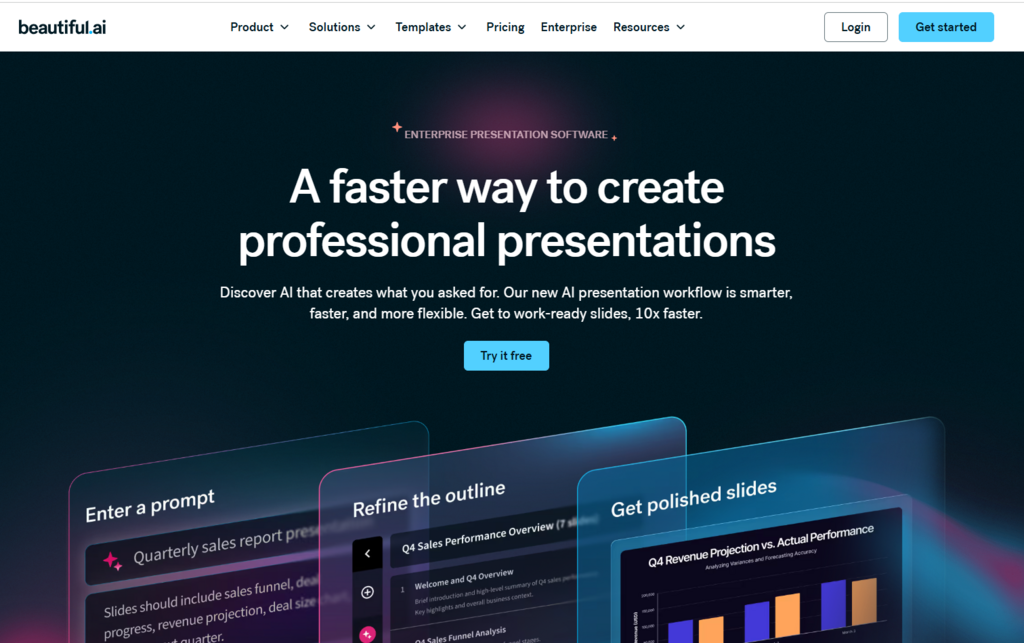
Best For: Users who care about the visual sequence.
My Experience: Beautiful.ai demonstrated the most careful adherence to design principles. Compared to Canva, the structure looked more professional for business audiences. Learning about the service was almost instant.
Pros:
-
automatic alignment of elements
-
professional appearance;
-
minimum manual work.
Pricing. Free options are limited. Basic functionality is available in paid rates.
4. Canva Magic Design: Best For Marketing Teams
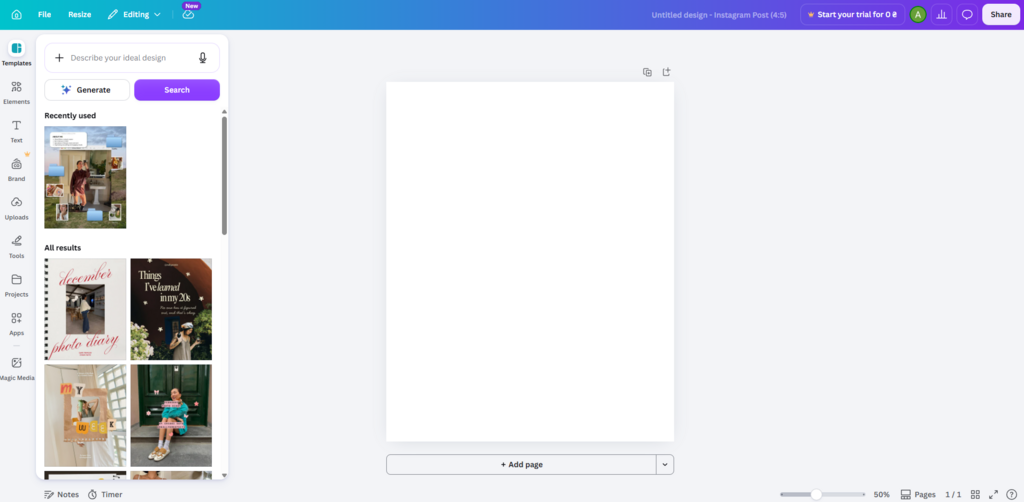
Best For: Marketing and content teams.
My Experience: Canva does a great job with the visual part of presentations. Compared to Pitch, there are more ready-made graphic elements. Generation takes minutes even for complex queries.
Pros:
-
huge template library;
-
simple editing;
-
strong visual capabilities.
Pricing. A generous free rate. Additional tools are available in Canva Pro.
5. Pitch: Best For Team Collaboration
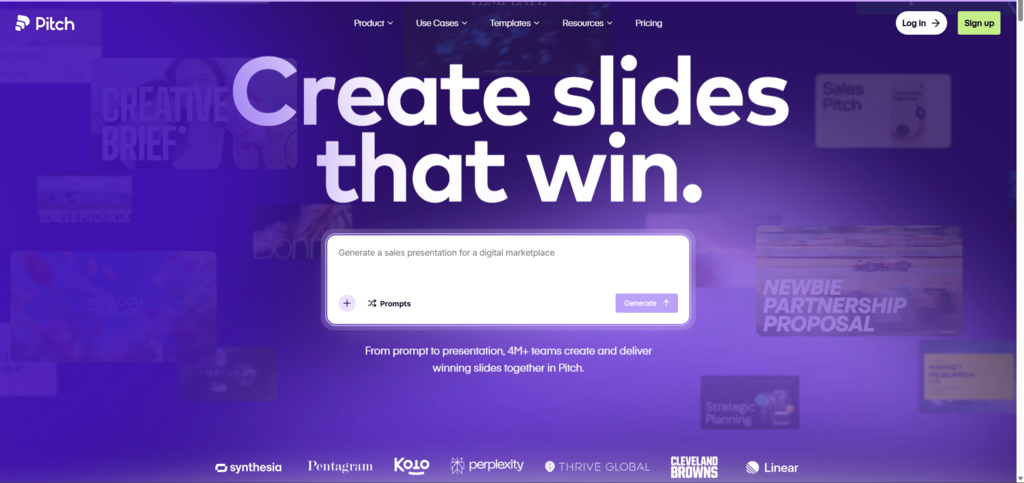
Best For: Teamwork.
My Experience: Pitch is more about creating presentations together. Compared to Beautiful.ai, the result looked less polished, but the tools for collaboration were much more convenient. The interface is intuitive.
Pros:
-
excellent teamwork;
-
user-friendly comments;
-
modern interface.
Pricing. There is a free plan. Corporate features are available on subscription.
6. SlidesAI: Best For Quick Drafts
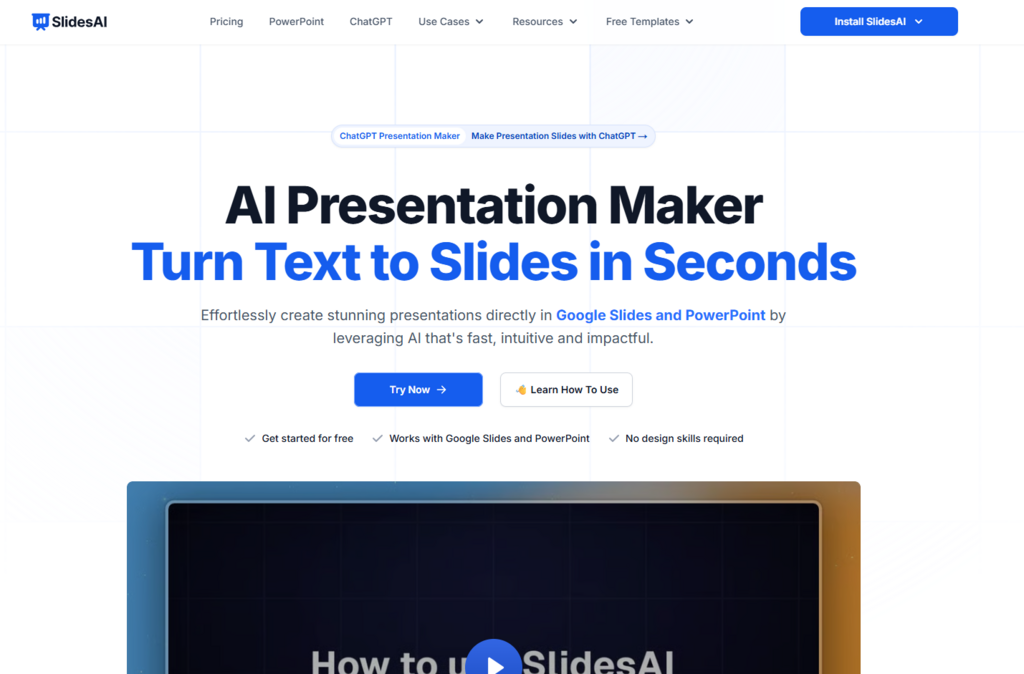
Best For: Quick draft creation.
My Experience: SlidesAI is well suited for the initial presentation structure. Compared to AiPPT, the design quality is noticeably lower, but the speed of operation is impressive. For basic tasks, the service is quite efficient.
Pros:
-
rapid generation;
-
easy to use;
-
integration with Google Slides.
Pricing. A free rate with limits on the number of generators is available.
7. Tome: Best For Visual Narratives
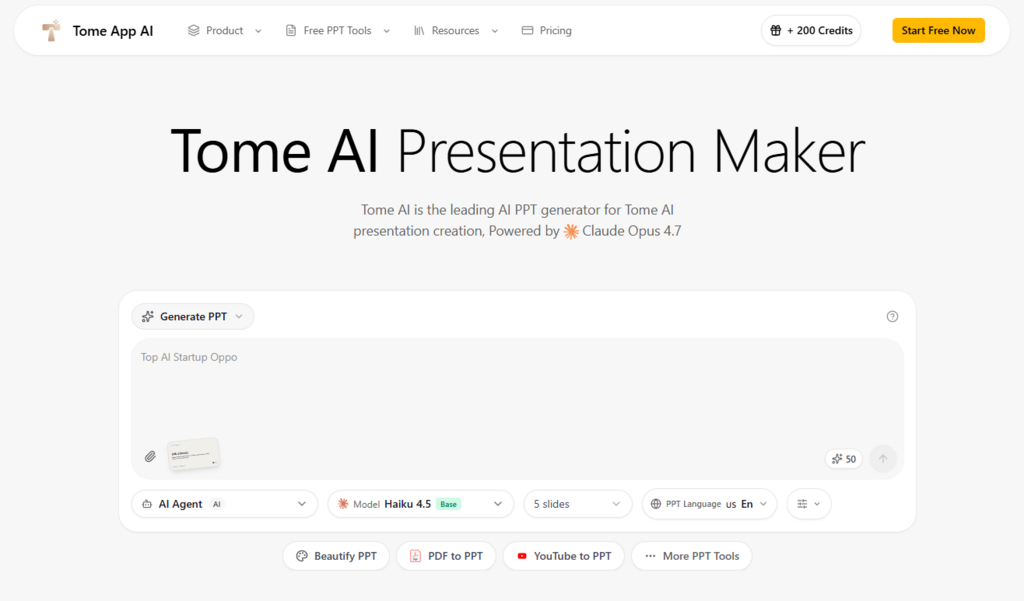
Best For: Visual storytelling.
My Experience: Tome emphasizes visual storytelling. Compared to Gamma, presentations look less structured for business pitchers but are better suited for creative projects. The creation of a presentation is very fast.
Pros:
-
modern appearance;
-
good job with visuals;
-
simple generation.
Pricing. Free access is available. Additional features are available in paid plans.
Final Verdict
After testing all the tools which can make PowerPoint presentation with AI, my choice was AiPPT. He showed the most balanced combination of content quality, design and speed of generation. The resulting slides required minimal editing before use.
For different scenarios I would recommend:
-
Best overall is AiPPT;
-
Best for students is Gamma;
-
Best for marketers is Canva Magic Design;
-
Best for teams is Pitch;
-
Best for design consistency is Beautiful.ai.
If the main goal is to quickly create a professional PowerPoint presentation without long work, AiPPT was the most convincing result among AI powerpoint maker solutions tested.
The choice of instrument always depends on the specific task. For some users, visual presentation is more important; for others, collaboration or editing flexibility are more important. That’s why you should try several services from this list and compare the results on your own projects. This approach can help you find the AI presentation maker that best suits your needs and workflow.
Note: The content on this article is for informational purposes only and does not constitute professional advice. We are not responsible for any actions taken based on the information provided here.