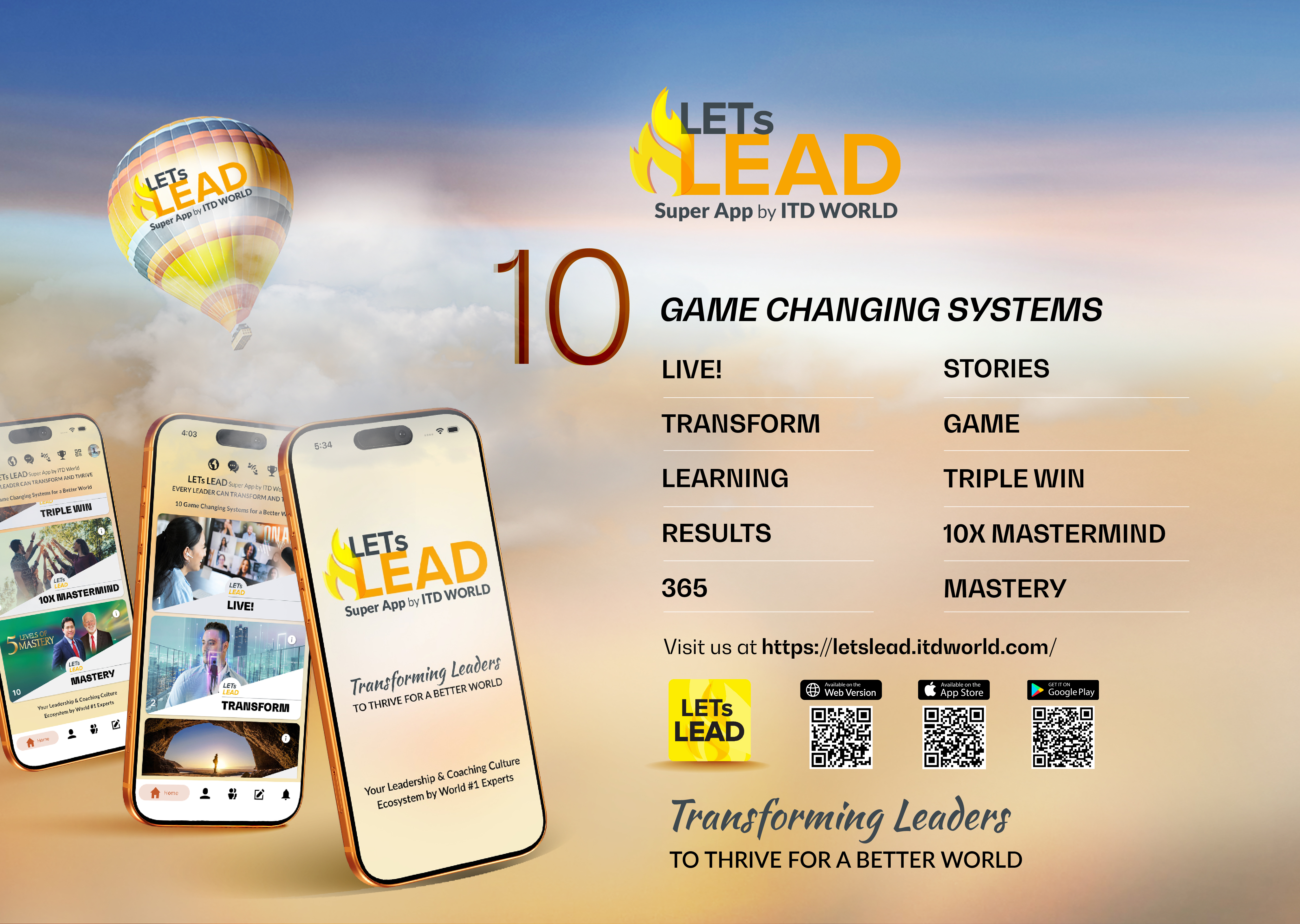

I still remember the exact moment I gave up trying to manually rebuild a 30-page client PDF into slides.
It was 11:47 PM. The deadline was the next morning. And I was staring at a broken PowerPoint deck where tables kept shifting, bullet points refused to align, and images were randomly jumping between slides.
Sound familiar?
That was the point I stopped thinking “I just need a better template” and started looking for a faster way to convert PDFs directly into usable presentations—without paying for Adobe Acrobat Pro every month.
The Real Problem Isn’t Conversion—It’s Reconstruction
Most people think converting PDF to PowerPoint is just a format change.
It’s not.
What actually happens is reconstruction:
- A static document has to become a structured narrative
- Visual hierarchy has to be rebuilt
- Tables need to become readable slide elements
- And everything must still look “presentation ready”
That’s where traditional tools fall apart. They either:
- Flatten everything into unreadable slides
- Or preserve formatting but kill editability
Neither works when you’re preparing a pitch deck or client presentation under time pressure.
A Better Workflow I Started Using
After a few too many late nights fixing broken slides, I started testing AI-based conversion tools.
One of the most practical workflows I now rely on begins with a simple conversion step like pdf to powerpoint.
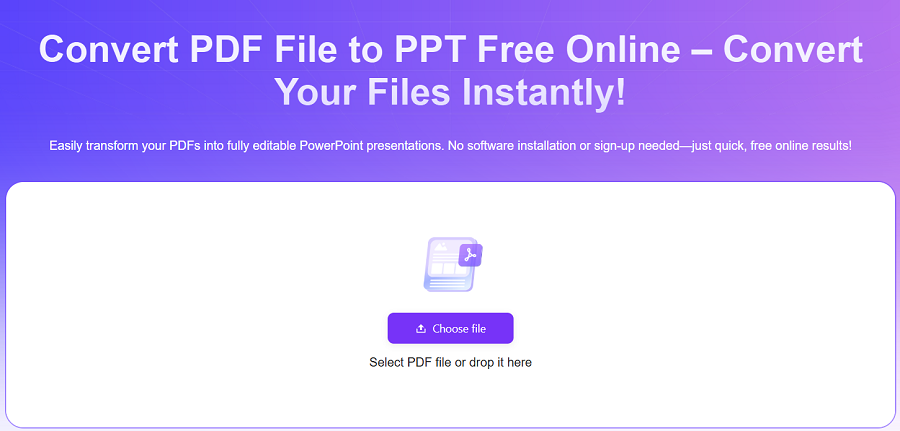
What surprised me wasn’t just the conversion itself—it was how the structure was interpreted.
Instead of dumping content into slides, the tool actually:
- Detects headings and turns them into slide titles
- Splits long paragraphs into digestible bullet points
- Preserves section hierarchy
- Rebuilds tables into readable layouts
In one test, a 30-page product report was converted into a draft deck in under 60 seconds. Not perfect—but good enough that I only spent 10–15 minutes polishing instead of 2–3 hours rebuilding.
That difference matters when you’re on deadline.
Why This Matters More Than People Realize
PDFs are still the default format for:
- Business reports
- Research summaries
- Sales proposals
- Training materials
But PowerPoint is still how decisions get made.
So the gap between “document” and “presentation” isn’t just technical—it’s a workflow bottleneck.
I’ve seen this repeatedly in real teams:
- Marketing teams stuck reformatting campaign reports
- Sales reps rebuilding pitch decks from PDFs
- Analysts manually copying insights into slides
And every time, the same issue shows up: wasted time on formatting instead of storytelling.
That’s why tools like AiPPT PDF to PPT Tool are becoming part of daily workflows instead of being treated as “nice-to-have” utilities.
Where Most Converters Still Fail
Even after trying multiple tools, I noticed a pattern.
Most “PDF to PPT” converters fail in predictable ways:
- Slide structure becomes flat and repetitive
- Text alignment breaks on complex layouts
- Images lose context or positioning
- Tables become unreadable blocks
If you’ve ever opened a converted deck and immediately thought “I’ll just rebuild this myself,” you know what I mean.
That’s why I started comparing tools not by whether they “convert,” but by how much editing time they save afterward.
A useful benchmark I now use is simple:
If I still need more than 30–40% manual cleanup, it’s not a real solution.
A More Reliable Alternative Workflow
Another practical option I’ve used for cleaner output is pdf to ppt converter.
What makes it useful is not just conversion speed, but how it handles structure recovery.
Instead of treating every page equally, it prioritizes:
- Section breaks
- Heading hierarchy
- Content grouping
This matters more than people expect.
Because in presentations, structure is everything. A well-organized slide deck can make average content look strong. A poorly structured one makes even good content feel confusing.
A Quick Real Example (From My Own Work)
Last month, I had to turn a 22-page competitive analysis PDF into a client-ready deck.
Normally, that would take me half a day.
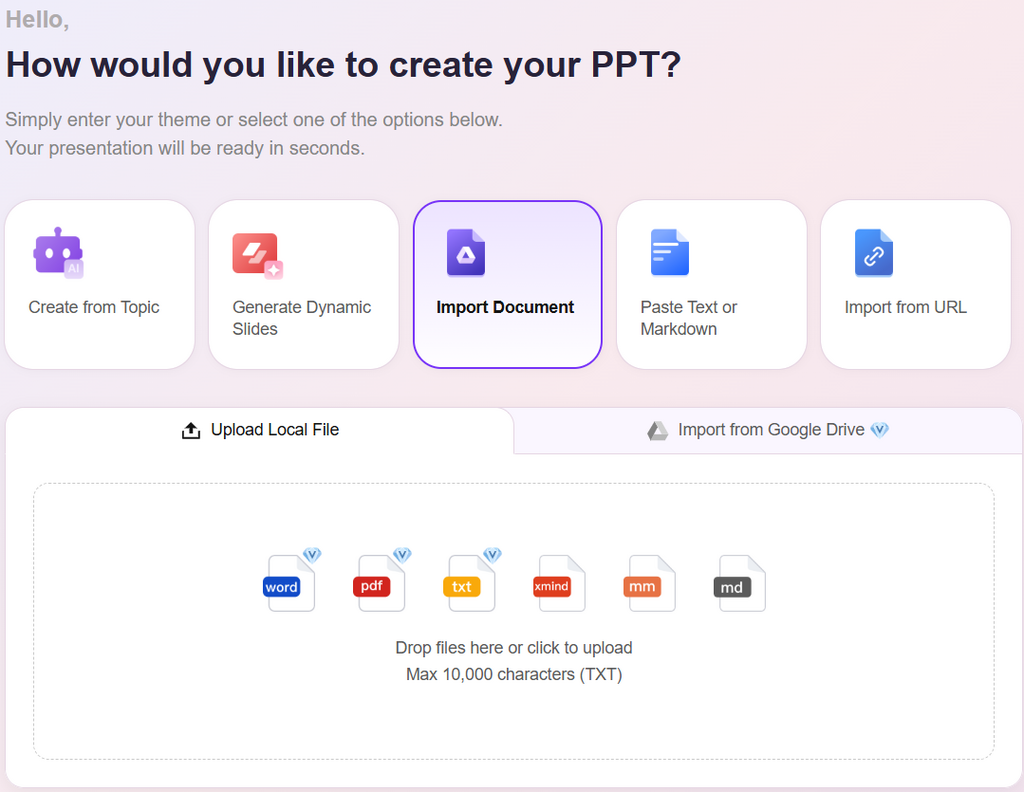
Using an AI-powered workflow:
- Upload: ~1 minute
- Auto-conversion: ~45 seconds
- Cleanup and branding: ~12 minutes
Total time: under 15 minutes.
What used to be a half-day task became something I could do between meetings.
And no, it wasn’t perfect out of the box. But it was structured correctly—which is the part that actually matters.
Why Adobe Pro Isn’t Always the Answer
I’ve used Adobe Acrobat Pro before. It’s powerful, no question.
But here’s the tradeoff I kept running into:
- High recurring cost
- More manual steps than expected
- Limited automation for bulk workflows
- Still requires cleanup in PowerPoint afterward
For teams that convert PDFs occasionally—not daily—it often feels like overkill.
That’s why many users are shifting toward lighter, AI-driven tools that focus specifically on one problem: turning static documents into editable presentations quickly.
The Bigger Shift Happening in Document Workflows
What’s changing isn’t just the toolset—it’s the expectation.
People no longer want:
- “conversion tools”
They want: - “ready-to-edit output”
That difference is subtle but important.
Instead of asking “How do I convert this PDF?”, the real question becomes:
“How fast can I turn this into a presentation I can actually use?”
And that’s where AI-driven tools are quietly taking over the workflow.
If You’re Still Doing This Manually…
Here’s something worth considering.
If you’re still:
- Copying text from PDFs into slides
- Fixing formatting line by line
- Rebuilding tables manually
You’re not just wasting time—you’re breaking focus.
And presentation quality usually suffers because of it.
At minimum, try a workflow where the first draft is generated automatically, and you only focus on refining the message.
That alone can cut preparation time by more than half.
Final Thought (and What I’d Actually Do Next)
If I had to start over today, I wouldn’t begin with PowerPoint.
I’d begin with structure.
Upload the PDF first, generate a draft deck, and only then refine the storytelling.
Tools like AiPPT and structured converters aren’t about replacing PowerPoint—they’re about removing the repetitive part of slide creation.
If you want to test it in a real scenario, start with a report you already have and convert it using a workflow like this:
- Try pdf to powerpoint
- Refine structure
- Then adjust design
No commitment. Just see how much time disappears.
Because once you experience a 30-page document turning into a usable deck in under a minute, it becomes very hard to go back to doing it manually.
Note: The content on this article is for informational purposes only and does not constitute professional advice. We are not responsible for any actions taken based on the information provided here.